Frequently asked questions
Questions,answered.
Everything league managers ask before they run a season on GameGrid. Can't find yours? Email us or book a call.
About GameGrid
What is GameGrid?
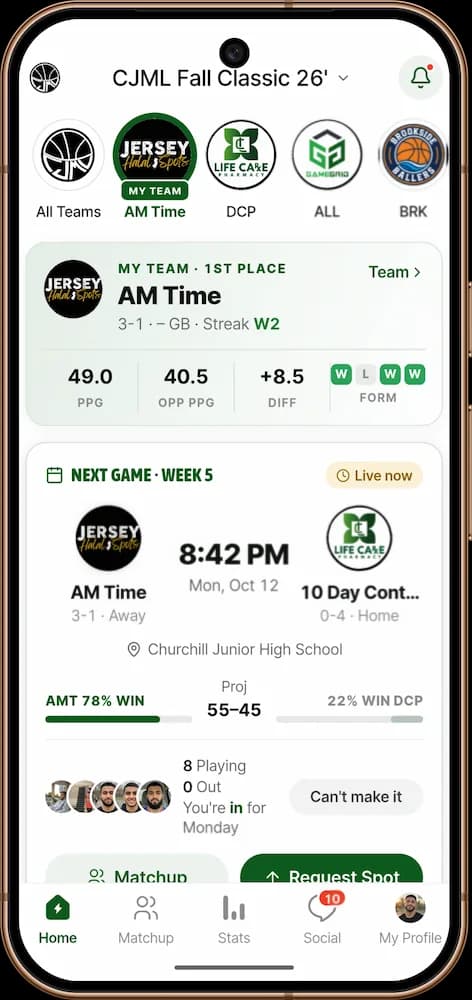
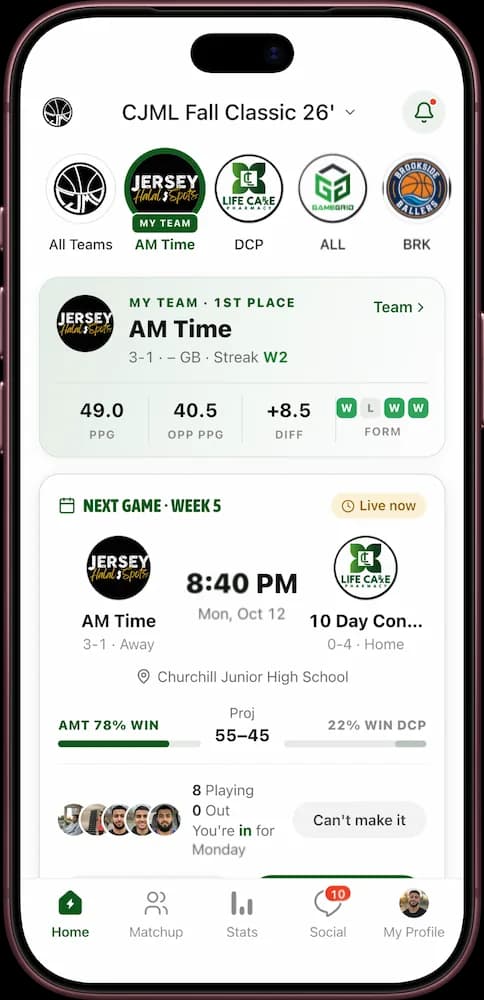
GameGrid is a rec league app and league management software in one. Managers run registration and online payments, schedules, live stats, standings, playoffs and announcements from a web dashboard and the app. Players get live scores, real stats, leaderboards, player cards and team chat on their phone.
Who is GameGrid for?
Anyone who runs a recreational league or tournament: adult rec leagues, community and faith-based leagues, gyms and sports centers, schools and parks programs, and weekend tournament organizers. Organizations that run many leagues can talk to us about Corporate pricing.
Which sports does GameGrid support?
Basketball, flag football, soccer and pickleball. Each sport gets its own Stat Keeper layout, stats and leaderboards: basketball, flag football, soccer and pickleball.
Does GameGrid work on iPhone, iPad and Android?
Yes. Players and captains use the app on iPhone or Android, the Stat Keeper runs on iPad, and managers run the league from the web dashboard in any browser or from Quick Manage League in the app. Download the app.
Running your league
How do I start a league on GameGrid?
Create a manager account, pick a plan and create your league with its sport, teams and schedule. Then get players in with a registration link or QR code, a roster spreadsheet, or the league's join code. Most leagues are set up in an afternoon. Start your league.
Can players register and pay online?
Yes. Publish a registration form with a registration fee, a team fee, add-ons like jerseys, your own questions and a waiver. Players open the link or scan the QR code, create or join a team (or sign up as a free agent) and pay by card. Payments go to your league's own Stripe account, and you can offer payment plans, send invoices and set reminders.
How does live stat tracking work?
A stat keeper runs the game on an iPad: tap a player, tap a stat. The score, box score, standings and leaderboards update live for every player in the app. Missed something? Add or correct stats from the game page afterwards.
Can I run playoffs and tournaments?
Yes. Season playoffs use a seeded bracket with byes that updates as games finish. For one-off events, tournaments add double elimination, pool play into a bracket, round robin, a third-place game, a consolation bracket and best-of-3 or best-of-5 finals.
Can other people help me run the league?
Yes. Invite co-managers by email and choose what each one can do: rosters, registration and payments, the schedule, playoffs, announcements or settings. Players can be made captains of their teams.
How do players stay up to date?
Announcements reach the whole league in the app, every team has its own chat with polls and @mentions, and players get game reminders plus notifications for announcements, mentions and awards.
Can I show standings and stats on my own league website?
Yes. The GameGrid API puts live standings, schedules, scores, stats and leaders on your own site. It's included on Plus and Elite. See the developer guide.
Switching to GameGrid
Can I bring my league's past seasons and stats to GameGrid?
Yes. Import Past Seasons reads the spreadsheets you already have: player stats (season totals or one row per game), standings, scores and schedules, rosters and champions. Upload your files, review what GameGrid found, and import. Each season becomes a completed season in your league's history, on every plan. How switching works.
What files can I import?
Excel (.xlsx or .xls) and CSV, up to 40 files at a time. From Google Sheets, use File → Download. Column names don't have to match any template: one file per season works, and so does one file with a Season column. PDFs and screenshots aren't supported yet, so copy those tables into a spreadsheet first.
Do players keep their old stats?
Yes. Imported players start as placeholders, then Link Past Seasons moves their seasons onto their GameGrid account. Their profile shows every season with games, titles, per-game averages and career totals.
Can I import this season's rosters and schedule?
Yes. Upload a roster spreadsheet in any layout (a team column, one tab per team, "Last, First" names, "(C)" for captains, jersey numbers), and bring your game times in with Import Schedule. Re-uploading a roster only adds what's new.
Will you help us move our league over?
Yes. Book a 30-minute call and we'll walk through your files and the import with you.
Pricing
How much does GameGrid cost?
Core is $30 a month (1 league, up to 12 teams), Plus is $60 a month (1 league, unlimited teams, AI assistant) and Elite is $70 a month (up to 3 leagues, unlimited teams, AI assistant). Yearly billing saves $60 a year on every plan. A single tournament is $99 one-time, and Corporate pricing is custom. Compare plans.
How much does it cost to run a tournament?
A tournament pass is $99 one-time, with unlimited teams and every format. If you're on the Elite plan, one tournament at a time is included on one of your league slots. See tournaments.
Is GameGrid free for players?
Yes. Players, captains and fans download the app for free. The league's manager holds the plan. Leagues that charge a registration fee collect it through their own registration form.
Can I change or cancel my plan?
Yes. Upgrade, downgrade or cancel from your account's Subscription page at any time, and download your invoices there.
Still have a question?
We run leagues too. Tell us about yours and we'll tell you honestly whether GameGrid fits.
Or see every way to reach us.
Get the app
Your whole league.
One app.
Players and captains: download GameGrid on iPhone, iPad or Android. Managers: start your league on the web.