Registration and Payments
Registrationand paymentsin one link.
GameGrid's league registration software puts your sign-up form and payments in one link. Players register, join a team and pay by card, the money goes to your league's own Stripe account, and you see who's paid and who owes in one place.
Outstanding
$230.00
4 players owe money · $115.00 overdue
Who Owes
Marcus Johnson
10 Day Contract
6 days late
$85.00RemindRyan Cole
AM Time
Card declined
$30.00Send LinkMichael Torres
Free agent
Due Fri
$85.00RemindDave Willis
10 Day Contract
On a plan
$30.00Remind
The registration form
Your fees. Your questions. One form.
Build it on the web dashboard under Registration & Payments. Keep it in Draft while you set it up, publish it when it's ready, and close it when you're full or on the date you pick.
Try it
Flip a setting, see the form.
A slice of the form settings next to the form players see. Change how players join, the fee or the shirt-size question, and the player's form follows.
How players join
Your settings on the dashboard. Flip one and the player's form updates.
Leave blank for free registration
Plus team limits, players-per-team limits and any question you like.
Fall Classic 26'
Registration is open
Secure checkout by Stripe
Registration and Team Fees
Every player pays the registration fee. The team fee is extra, paid by whoever creates a team. Leave both blank for free registration.
Add-Ons
Sell a jersey or any merch on the form. Make each item optional or required, and ask for a size, a jersey number or a name on the jersey.
Your Questions
Short answer, paragraph, multiple choice, checkboxes, number, date or yes / agree. Ask for jersey number, position and phone number too.
A Waiver
Add your terms, and players have to agree to them before they can register.
Teams and Spots
Choose how players join (create a team, join a team or sign up as a free agent) and set a team limit and players per team.
Discount Codes
A dollar amount or a percent off, with a limit on uses and an end date if you want one. Players enter the code at sign-up.
How players register
Signed up and paid in one go.
Players don't need the app to register: the form opens in the browser on any phone or computer.
- 01
Open the Link
Share the registration link anywhere, or download the QR code for the gym door or the group chat.
- 02
Sign In
Players sign in or create their free GameGrid account on the form itself.
- 03
Pick a Team
Join a team with open spots, create a new one and become its captain, or sign up as a free agent for the league to place.
- 04
Answer and Pay
Jersey number, your questions, add-ons and the waiver, then pay by card: in full, on a payment plan or later, if you allow it.
Already have a roster?
Upload a roster spreadsheet in any layout, or share the league's join code in the app. The join code skips the form and its fees, so send the registration link when players have to pay.
Online payments
Paid to your league's own Stripe account.
Connect Stripe in about 5 minutes. Card payments go to the league creator's Stripe account, and payouts go to their bank.
- Ask for payment in full, or offer up to 3 payment plans with dates you choose. The first payment is taken at sign-up.
- Plan payments charge the player's saved card on each date. A declined card retries after 3 days, and the player gets a link to update it.
- Allow Pay Later: players join now and pay within the number of days you set.
- Every player gets a private pay link, no sign-in needed, that takes card, Apple Pay or Google Pay.
- Lock unpaid players out of lineups from a date you pick, and excuse anyone you like.
- Record cash, Venmo or check payments and waive what you need to. The league creator can refund to the player's card.
You're in.
You created Hullal City and you're its captain.
Your Payment Plan
- Paid at sign-up$30.00
- Dec 1$30.00
- Jan 5$30.00
We'll charge the card you used on each date and remind you a few days before.
Get the GameGrid app
Sign in with the same account to see your schedule, live scores, stats and team chat.
What a player sees after signing up on a payment plan.
Invoices and reminders
Stop chasing payments by text.
Bill for what registration doesn't cover, and let reminders follow up for you.
Invoices for everything else.
Jerseys, referee fees, gym rental or sponsors. Start from a template or your own, add items and a due date, and send it.
- Bill a player, a team (each player pays, or the captain pays it all), the whole league or any email address
- Ask for a size, jersey number or name on the jersey when they pay
- They pay in the app or from the emailed link
- Download any invoice as a PDF, or export a report or a spreadsheet
Reminders that go out on their own.
Switch reminders on and GameGrid sends them by app notification, email or both, at the hour you pick in your league's time zone.
- Before it's due, on the due date and when it's late
- Keep reminding, and tell the player's captain
- Reword every payment message with the player's first name, the amount and their pay link
- Send yourself a test before it goes out
The payments dashboard
Who's paid. Who owes.
Registration & Payments keeps every payment in one place. Created more than one league? Switch between this league and all of them.
Outstanding
What's owed and how late it is. Remind everyone overdue with one button, or export the list to CSV.
Collected
What's paid, scheduled, owed and refunded, with a chart over time and a link to your Stripe payouts.
Who Owes
Filter by Overdue, Not Late Yet or Card Declined. Remind one player, or tick several to mark them paid or remind their captains.
Players
Everyone who signed up or was billed, with their sign-up answers. Export the answers to CSV or Excel.
Add-On Orders
Who ordered which item, in which size, with which number and name. Duplicate jersey numbers are flagged.
One Player's Payments
Open a player to charge their card now, waive a payment, copy their pay link, or email a PDF invoice or receipt.
After they register
Straight into your league.
Players register with the same GameGrid account they use in the app, so their schedule, live scores, stats and team chat are there when they open it.
- Rosters fill in as players join or create teams, and whoever creates a team is its captain.
- Free agents wait in one list until you put them on a team.
- Sign-up answers wait on the Players tab, ready to export to CSV or Excel.
- Every team gets its own chat, and your announcements reach the whole league.
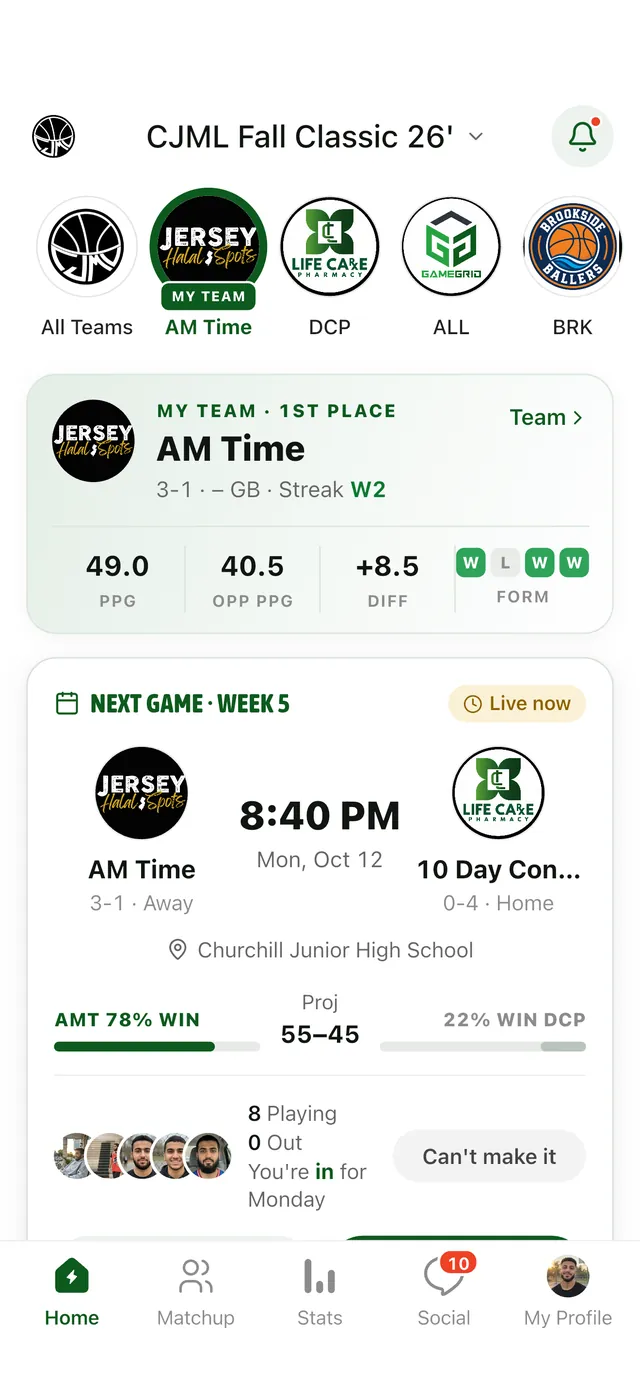
Their league
Their team, their record and their next game.
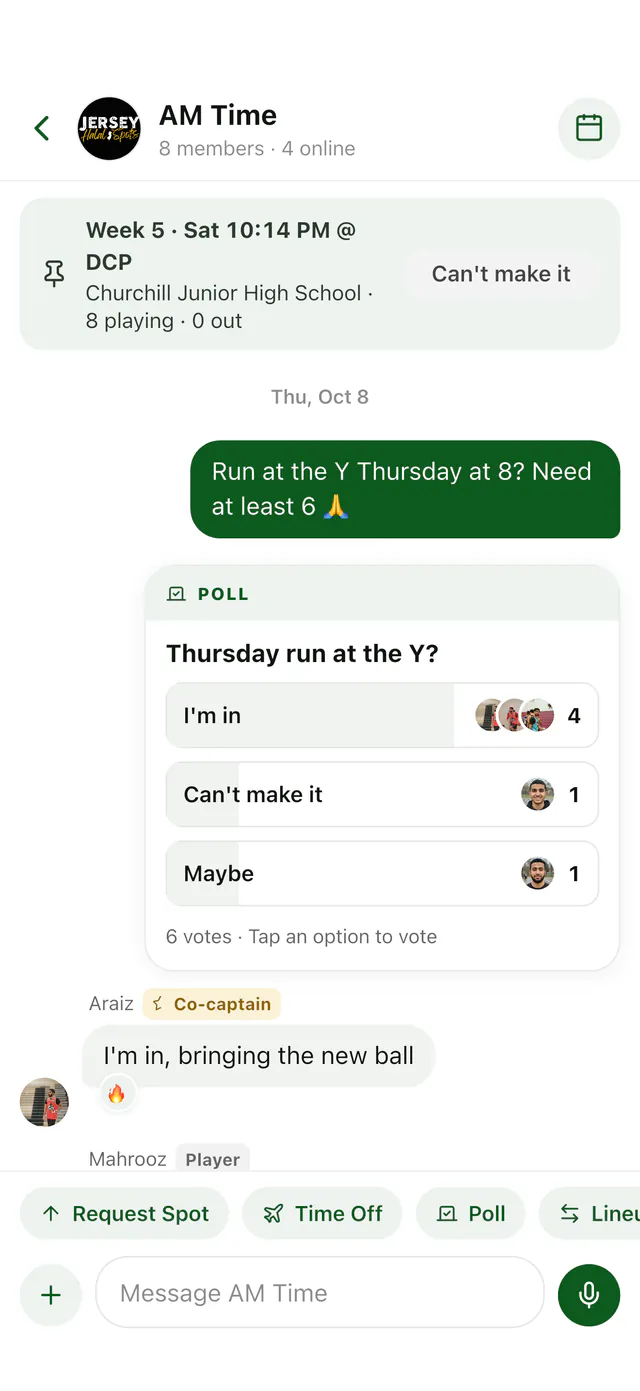
Team chat
Their team's chat and polls, plus your announcements.
Planning a league?
Start here.
Registration questions
Before you open registration.
Do I need a Stripe account to take registrations?
Yes. Publishing any registration form, even a free one, needs the league creator's Stripe account. Connecting it takes about 5 minutes from the Form tab, and only the creator can do it. Payouts go to the creator's bank.
Can players pay in installments?
Yes. Offer up to 3 payment plans with dates you pick. The first payment is taken at sign-up, then the player's saved card is charged on each date. If a charge fails, it retries after 3 days and the player gets a message with a link to update their card.
Can players register now and pay later?
Yes. Turn on Allow Pay Later and set how many days after sign-up they have to pay. You can also lock unpaid players out of lineups from a date you choose, and excuse anyone.
What if a player pays cash or Venmo?
Open the player on the Payments or Players tab and record the payment as Cash, or as Other for Venmo or a check. To clear several at once, tick them on Who Owes and mark them paid.
Can I charge for jerseys?
Yes. Add a jersey as an add-on on the form and ask for a size, jersey number or name on the jersey. After sign-up, send a Jersey / Merchandise invoice instead. The Add-Ons view lists who ordered what and flags duplicate numbers.
Can I offer discount codes?
Yes. Make a code for a dollar amount or a percent off the player fee, or the player and team fee, with a limit on uses and an end date if you want one. Players enter it at sign-up.
Can I refund a player?
Yes. The league creator can refund a card payment from the player's payments and either keep them in the league or remove them. The refund goes back to their card and can't be undone.
What's the difference between the registration link and the join code?
The registration link opens your form, with its questions, fees and waiver. The league's 6-character join code skips all of that: players enter it in the app, join with no team and you place them. Share the registration link when players have to pay. More in the FAQ.
Next season
Open registration on GameGrid.
Start your league, connect Stripe, build your form and share the link. Players sign up, pay and land in your league.